Create the credential
Add the certificate title, description, criteria, issuer details, brand color, and optional expiration date.
Online certificate verification
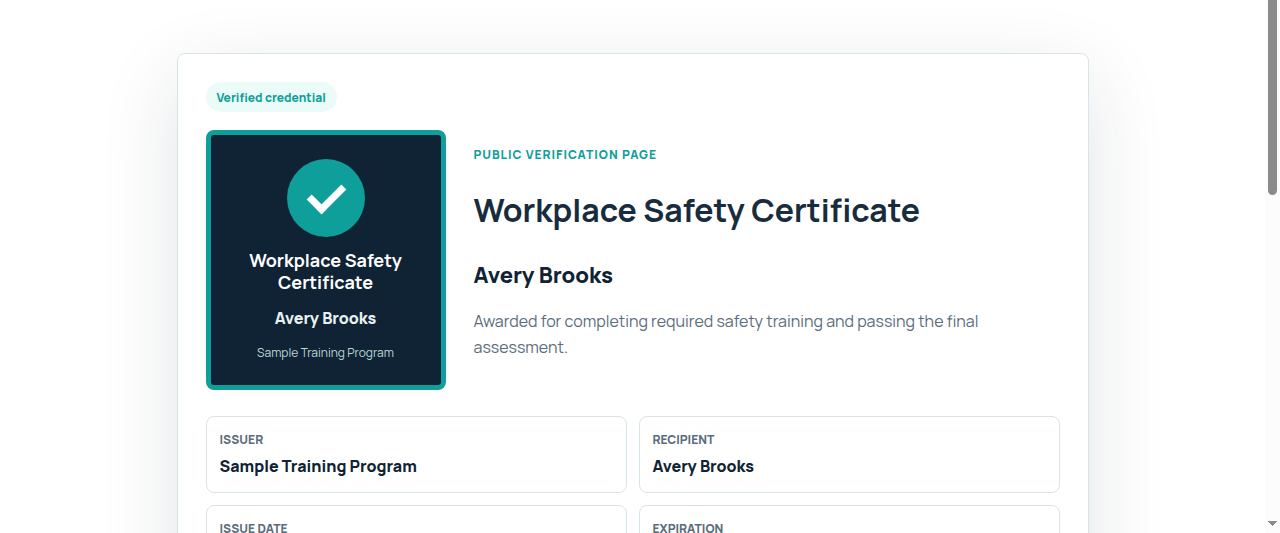
A certificate is easier to trust when it has a public page showing who issued it, who earned it, what it covered, when it was issued, and whether it is current.
The basic check
When someone needs to verify a certificate of completion, they are usually checking whether the certificate came from the stated issuer, belongs to the named recipient, and is still valid for the stated training or credential.
For issuers
Emailing a PDF certificate can work for delivery, but it does not give employers, licensing reviewers, members, or managers a reliable place to check the record later. Badge Issuer gives each issued certificate a hosted verification page and share link.
Add the certificate title, description, criteria, issuer details, brand color, and optional expiration date.
Enter one recipient or paste a simple name,email list for a course, cohort, or member group.
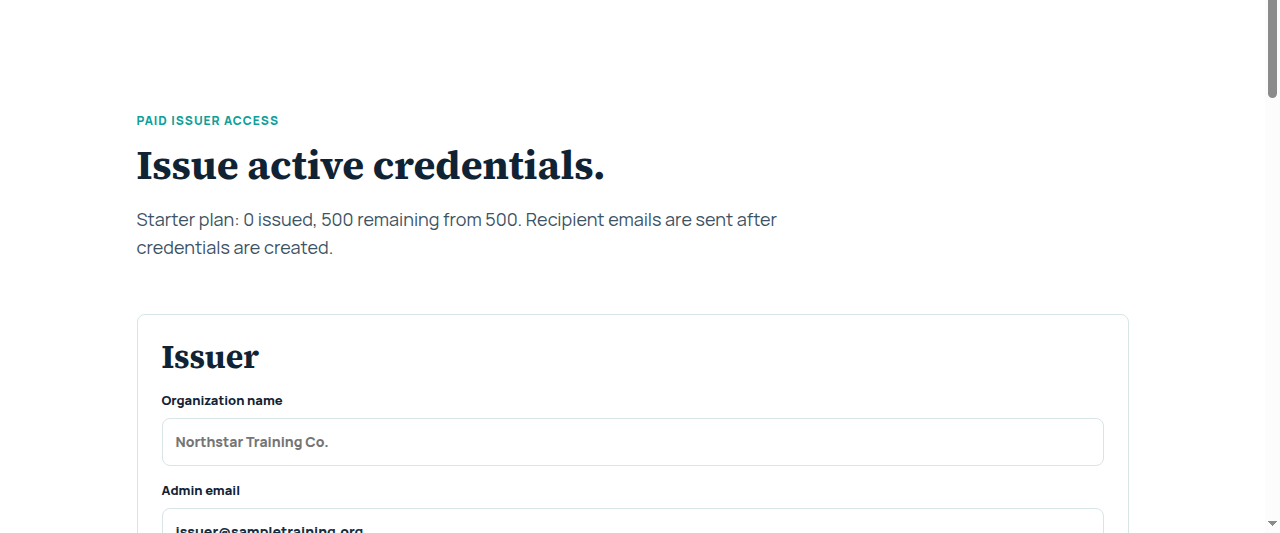
Paid issuer workspaces create the public verification page and email the recipient their credential links.
Anyone with the link can open the verification page to review the issuer, recipient, dates, criteria, and status.
Recipient experience
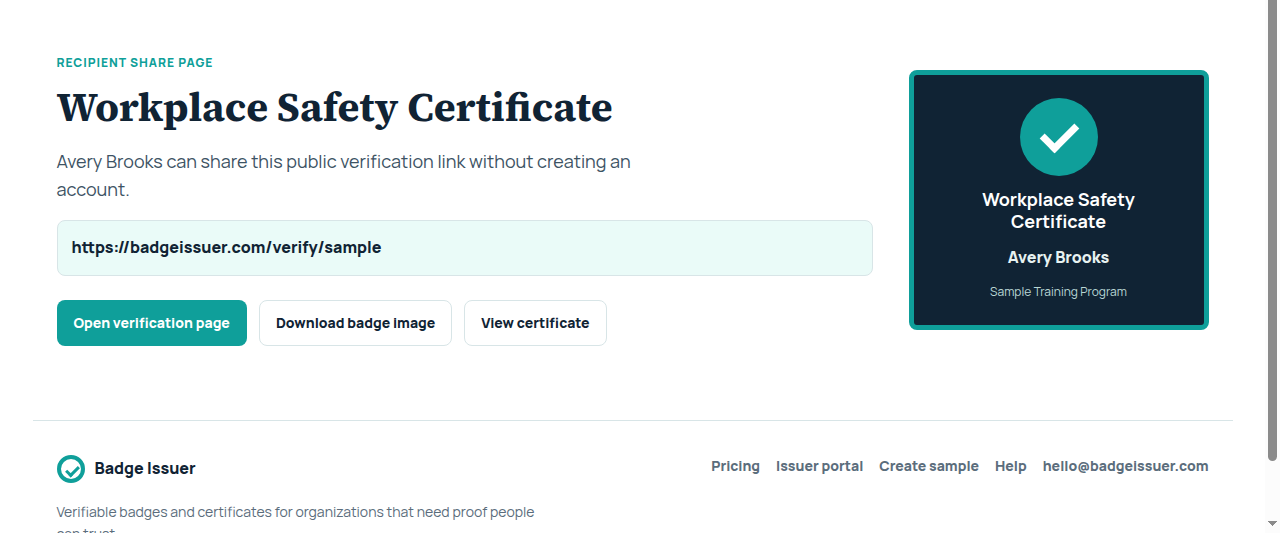
Recipients do not need an account to open their credential. They can copy the verification link, share the credential page, download a badge image, or open a printable certificate view.
When online verification helps
Badge Issuer is built for organizations that issue credentials and want a lightweight proof system around each one.
Give participants a verification link they can keep for licensing, audit, or employer review.
Show who completed a course, what criteria were met, and when the record was issued.
Give members a public credential page for certification, renewal, or program completion.
Include expiration dates and public status for annual or recurring training.
Issue branded proof after a course without building a credential portal from scratch.
Confirm that contractors, resellers, or partners completed required training.
Pricing path
Starter is $499 per year for 500 credentials. Growth is $1,200 per year for 1,500 credentials. Both plans include public verification pages, recipient links, badge downloads, certificate pages, and public status display.
Questions
Open the certificate's verification link or scan its QR code, then check the issuer, recipient, credential title, criteria, issue date, expiration, and status shown on the public page.
A PDF can be useful for delivery, but it may not show a current public status. Badge Issuer is for organizations that want to issue certificates with hosted verification pages from the start.
Badge Issuer creates verification pages for credentials issued through Badge Issuer. If you have an existing certificate format, you can create a sample credential or contact us about mapping it into the issuing workflow.
See the proof page