Design the credential
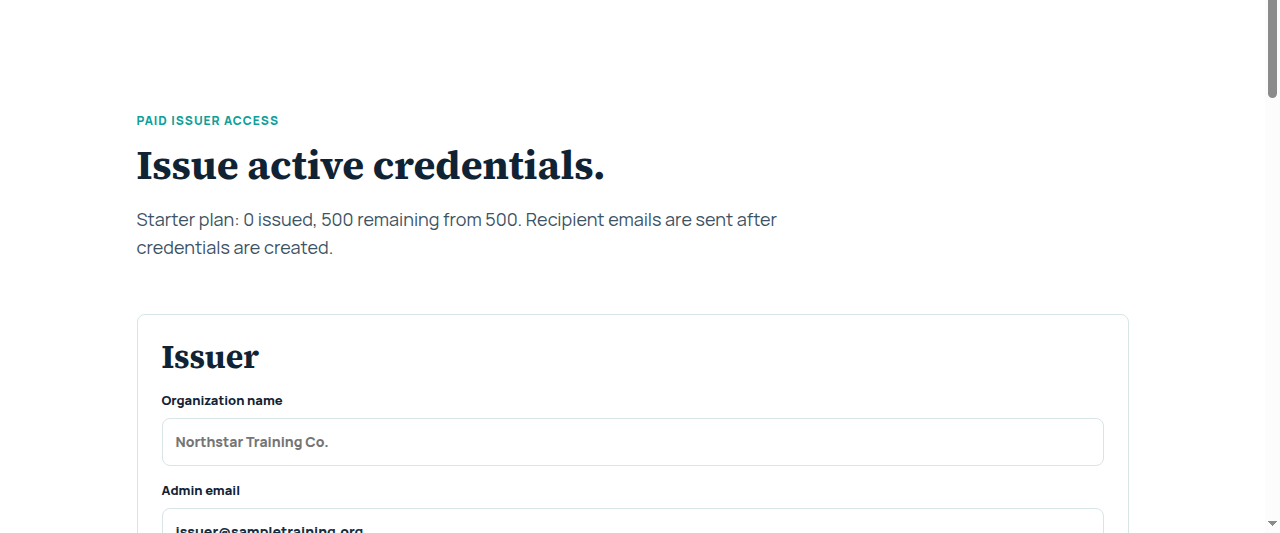
Set the title, criteria, issuer brand, color, and certificate details.
Digital credential software for issuing organizations
Design a branded credential, add recipients, and give every earner a hosted verification page people can trust.
Verification first
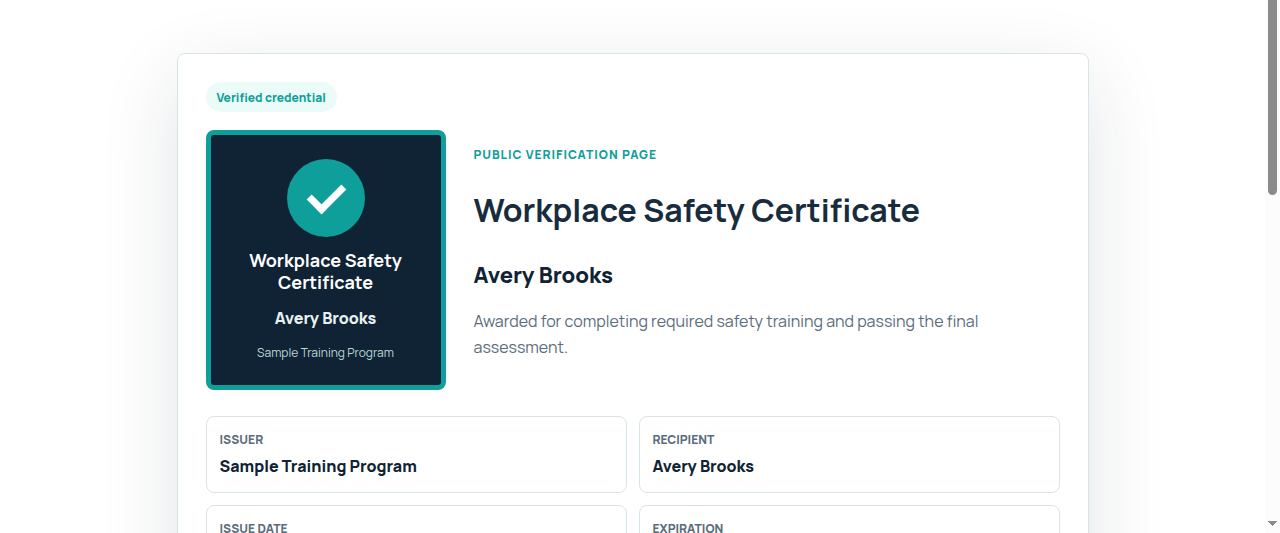
Each credential has issuer details, recipient name, criteria, issue date, expiration status, and a hosted verification link that employers, members, and partners can open.
See a sample verification pageCompare digital credential software options
Issuer workflow
Set the title, criteria, issuer brand, color, and certificate details.
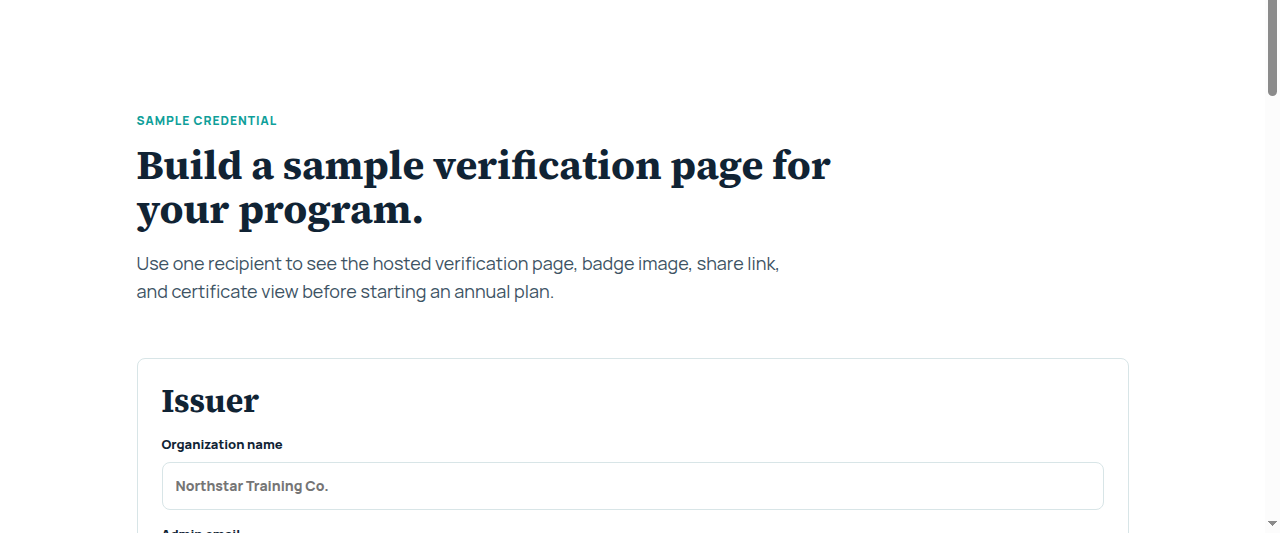
Enter one earner manually or paste a simple name,email list for a cohort.
Create public verification pages and share links for recipients.
Display active, expired, or sample status with issue and expiration dates.
Recipient experience
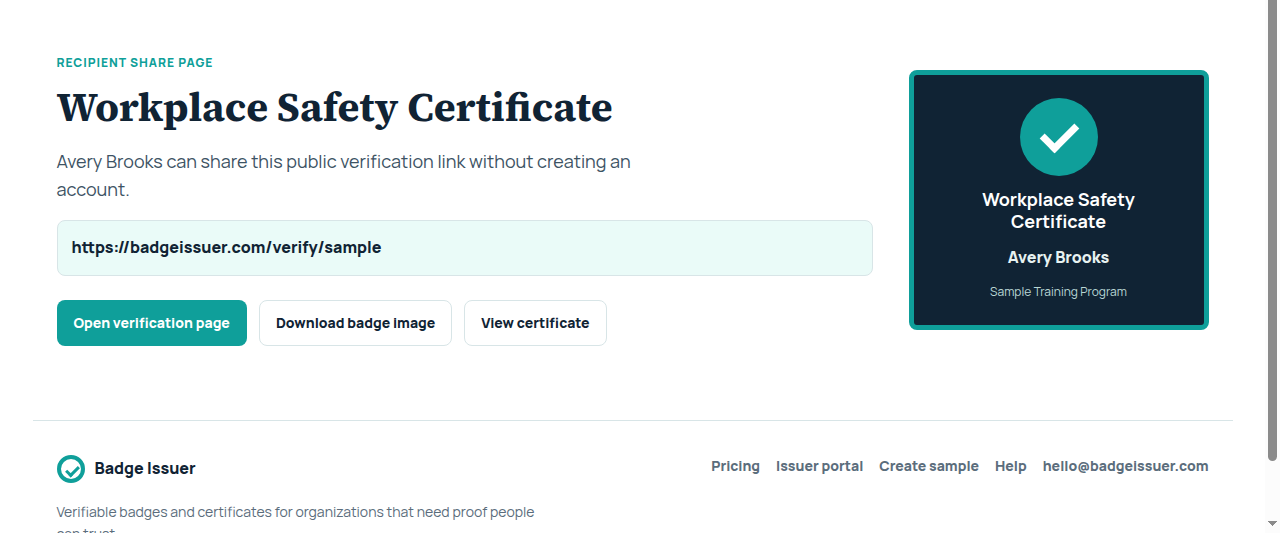
Recipients can open a badge page, copy the verification link, download a badge image, and view a printable certificate. They do not need an account to share proof.
View sample credentialIssuing essentials
Credential title, description, criteria, issuer name, and brand color.
Add one recipient or paste a simple CSV-style recipient list.
Public pages show recipient, issuer, status, dates, criteria, and QR code.
Recipients get a share page, SVG badge image, and printable certificate view.
Credentials store issue and expiration dates for public verification checks.
Start with a clear issuing quota and hosted verification pages for your program.
Pricing
Annual plans include hosted verification pages and a clear issuing quota.
For a course, cohort, or small certification program that needs branded proof online.
500 credentials
For teams issuing credentials across repeated classes, programs, and member groups.
1,500 credentials
Start with proof